
Multi-session events are harder than single events because the same promise repeats across several time windows. A barrel tasting weekend, release tasting, open-house series, holiday market, or tasting class offered multiple times needs capacity control for each session, not just the weekend as a whole.
The goal is to keep each session feeling intentional, even when the event spans many hours or days.
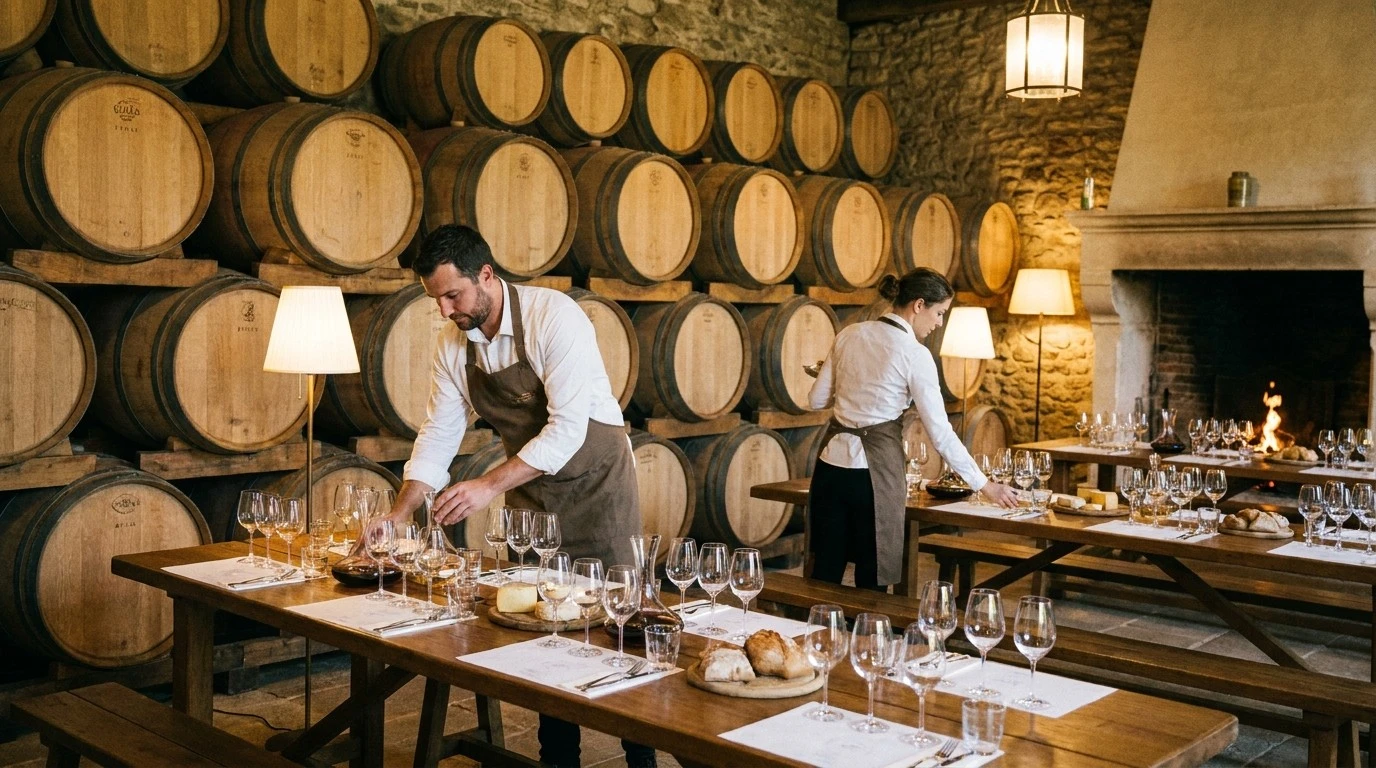
Treat Each Session As Its Own Capacity Problem
A weekend event may have a total target of 300 guests, but service happens in smaller waves. Each wave needs its own capacity.
For every session, define:
- Start time
- End time
- Maximum guests
- Check-in location
- Staff owner
- Room or route
- Food or wine allocation
- Reset time before the next session
If guests can arrive anytime, set capacity by arrival window rather than by total day.
Avoid Overlapping Arrivals
Multi-session events break down when one group is checking in while another group is still finishing. Build enough separation between sessions for:
- Late arrivals
- Final pours
- Purchases
- Restroom traffic
- Glassware reset
- Staff briefing
- Room reset
A 60-minute tasting may need 75 or 90 minutes on the schedule once transition time is included.
Make Session Selection Clear
Guests should understand that they are choosing a specific time. Use names that are obvious:
- Saturday 11:00 a.m. Barrel Tasting
- Saturday 1:00 p.m. Barrel Tasting
- Sunday 2:00 p.m. Library Flight
Avoid vague names like Session 1 unless the time is shown prominently everywhere.
Prevent Duplicate Or Confusing Registrations
Multi-session events often attract repeat guests, club members, and groups booking for friends. Decide how you will handle:
- One guest booking multiple sessions
- Duplicate email addresses
- Transfers between sessions
- Waitlists for sold-out sessions
- Guests who arrive at the wrong time
Staff need a clear policy before check-in starts.
If a guest bought the wrong time, do not silently move the registration. The ticket code, confirmation email, capacity count, payment record, and check-in state are tied to the selected time. In CoverCount v1, cancel or refund the original registration when appropriate and have the guest register for the correct time if capacity remains. If staff choose to admit the guest operationally, keep the original registration tied to the purchased time and treat that as an exception. Sold-out sessions should remain sold out.
Staff For Peaks, Not Averages
A weekend may look manageable by total headcount, but staffing should follow the peak arrival and service moments.
Plan staffing around:
- First 20 minutes of each session
- Checkout or pickup rushes
- Food service timing
- Tour departures
- Glassware reset
- Club membership questions
Assign someone to watch flow across sessions, not just serve within one station.
Communicate Before Guests Arrive
Send reminders that restate the selected time, arrival instructions, parking notes, refund rules, and what is included. For large properties, include where to check in.
Good reminders reduce late arrivals and prevent guests from treating a timed session like an open-house window.
Where CoverCount Fits
CoverCount Events can support multi-date and repeated event programs with per-time capacity, attendee lists, guest reminders, and check-in. That gives venues a cleaner way to run repeated sessions than spreadsheets or one generic RSVP form.