
Online reservations work best when they reflect the way the tasting room actually runs. A good setup should help guests understand what they are booking, help staff prepare for the visit, and protect the venue from too many guests arriving at the same time.
The goal is not to put every possible request online. The goal is to make the common visit easy to book and route unusual requests to the right staff member before they become service problems.
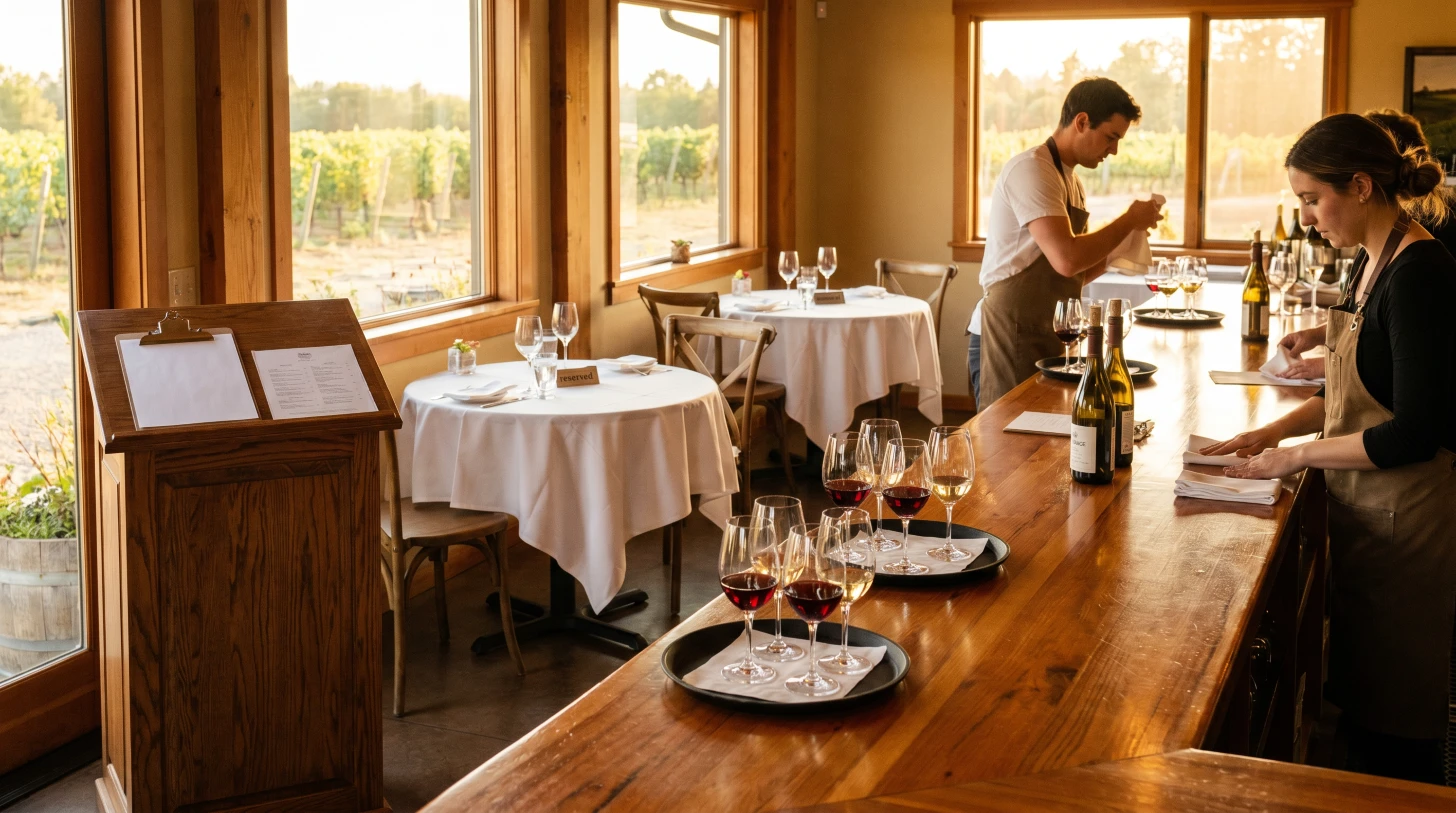
Decide What Guests Are Actually Booking
Start by naming the visit in guest language. Most wineries and tasting rooms need at least one simple public option, such as Standard Tasting, Seated Tasting, or Wine Tasting Reservation.
Create separate reservation types only when the experience changes in a way that affects operations:
- Different duration
- Different room, patio, bar, or outdoor area
- Different price or deposit policy
- Different staff preparation
- Different party-size limit
- Different guest expectations
A reserve tasting, vineyard tour, barrel tasting, or member visit may deserve its own booking option. A slightly different wine lineup usually does not, unless staff need different timing, tables, or preparation.
Set A Realistic Duration
Duration is the backbone of online availability. If a tasting usually takes 75 minutes but the booking system assumes 45, the floor will drift behind all day.
Build duration from real service behavior:
- Arrival and greeting time
- First pour or ordering time
- Conversation and education time
- Checkout time
- Reset time before the next party
A standard tasting might need 60 to 75 minutes. A reserve or library tasting may need 90 minutes or more. A tour plus tasting may need a completely different schedule because guests move through the property before sitting down.
Protect The Arrival Pattern
The most common reservation mistake is allowing too many parties to arrive at the same minute. Even if the room has enough seats, the team may not have enough staff to greet, seat, pour, explain menus, and start tastings for everyone at once.
Use arrival pacing rules that answer practical questions:
- How many guests can the host greet every 15 minutes?
- How many new tastings can the team start without delaying existing guests?
- Does the first seating of the day need extra buffer?
- Are large parties allowed at every time or only during lower-pressure windows?
- Do tours or premium tastings need their own arrival rhythm?
Capacity is not just chairs. It is staff attention, glassware, bar space, payment flow, and the quality of the guest experience.
Decide Which Party Sizes Can Self-Book
A tasting room may be able to seat 30 guests, but that does not mean every party size should book online. Large groups tend to stay longer, ask more questions, arrive less predictably, and create bigger disruption if they cancel.
Set public party-size limits based on what the team can absorb without special handling. Many venues let smaller parties self-book and route larger groups to a request form or direct staff review.
A simple pattern is:
- Parties of 1 to 6 can reserve online.
- Parties of 7 to 10 can request availability.
- Larger parties go through private events or group sales.
The exact numbers depend on the room, staffing model, and brand promise.
Ask Only The Questions Staff Will Use
Booking questions are helpful when they change preparation. They become friction when they feel like homework.
Useful questions often include:
- Are you celebrating anything?
- Do you have dietary restrictions for paired food?
- Are you a wine club member?
- Do you need accessible seating?
- Are there children or non-drinking guests in the party?
Avoid asking for information that no one reads before service. Every question should have an owner and a reason.
Keep Policies Short And Visible
Guests should understand the most important policies before they reserve. Keep the language practical:
- Arrival grace period
- Cancellation window
- Deposit or tasting fee policy
- Group-size limitations
- Pet, child, or outside food rules
- Weather notes for outdoor seating
Long policy blocks get ignored. Short policy summaries prevent surprises.
Test The Booking Path Like A Guest
Before sending traffic to the page, test the exact journey guests will use. Check common dates, party sizes, mobile layout, confirmation emails, calendar links, and cancellation instructions.
Also test edge cases:
- A sold-out time
- The largest public party size
- A same-day reservation
- A date when the venue is closed
- A premium tasting with different duration or price
The best reservation setup is boring in the right way: guests know what to expect, staff know who is coming, and the room never gets flooded all at once.
Where CoverCount Fits
A good reservation platform should make these rules easy to express without forcing the venue into a generic restaurant-only model. CoverCount is built for restaurants, wineries, tasting rooms, and other hospitality venues that need bookable experiences, pacing, deposits, reminders, and guest details in one place.